Guide
Updated 1 November 2026
Customer app or mobile ordering website?
By Arslan Munir
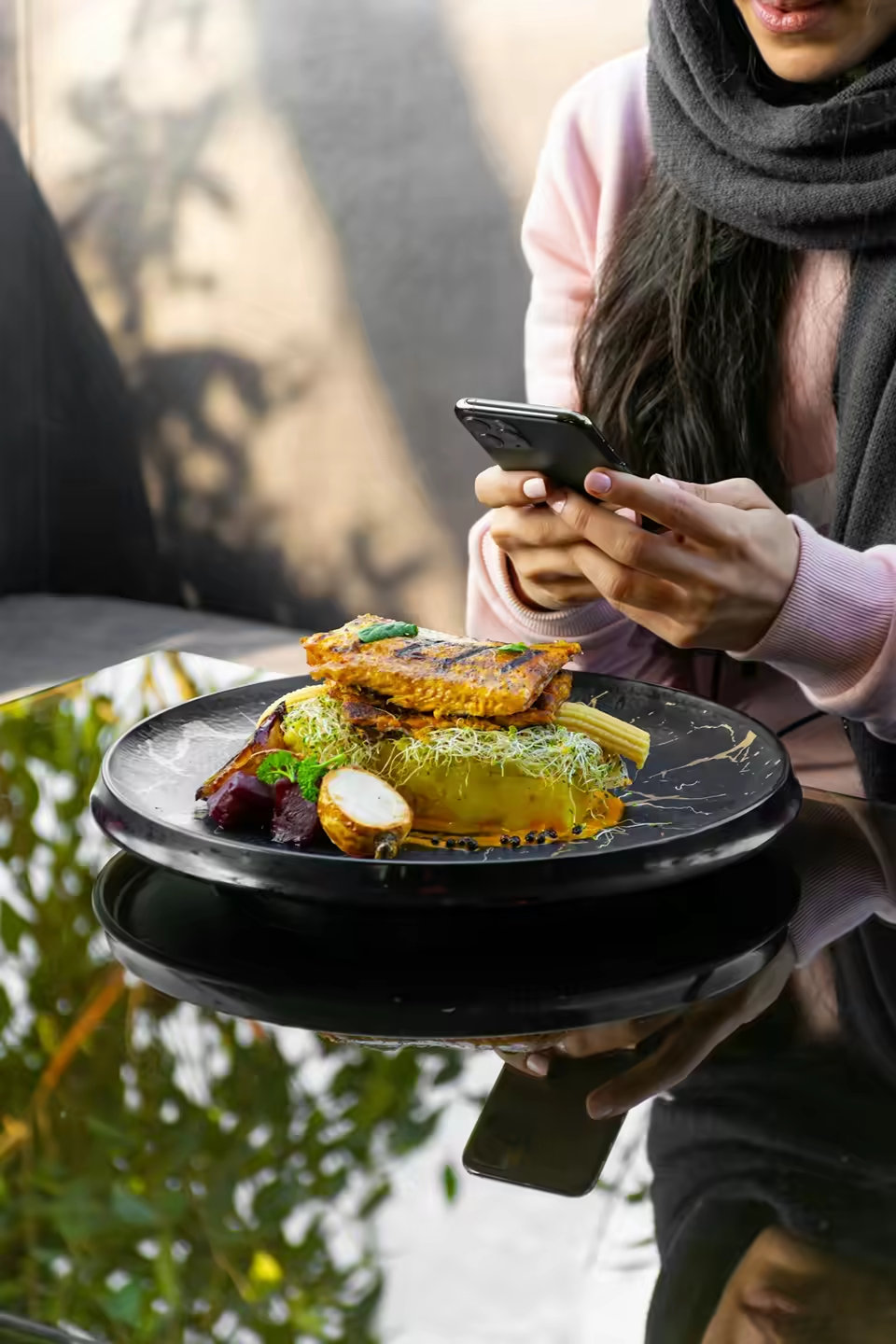
If you run a restaurant or takeaway in the UK, someone has probably tried to sell you "your own app". It sounds like the obvious next step after a website: your logo on a customer's home screen, push notifications, loyal regulars ordering with two taps. Sometimes it is worth it. Often it isn't, at least not yet. This guide sets out what a customer app really involves compared with mobile web ordering (an ordering website that works properly on a phone), so you can decide on your own numbers rather than a sales pitch.
A quick note on terms. A customer app is one your diners download from the Apple App Store or Google Play to order from you. A mobile ordering website is your menu and checkout, opened in the phone's browser from a link, a Google listing, a QR code or a social profile. A staff app is what your team uses to receive and manage orders. They are three different things, and a lot of confusion comes from mixing them up.
What customers actually do: download or tap a link
Think about how a new customer finds you. They search "pizza near me", see your Google listing, look at the menu and decide within a minute or two. At that moment, being asked to go to an app store, download something, create an account and allow notifications is a lot of friction. A link that opens your menu straight away isn't.
Regulars are different. Someone who orders from you every Friday might happily keep your app on their phone. The question is how many of your customers behave like that, and whether they would actually order more often because of an app, or just order the same amount through a different door.
We haven't put a percentage here on how many people download restaurant apps, because we couldn't find a UK figure from a source we'd stand behind. Look at your own data instead: how many of last month's orders came from repeat customers, and how often they ordered.
Chefzi gives you both from one menu: see the mobile ordering app for restaurants.
Costs: building a customer app vs a mobile ordering website
A customer app involves more than the build. Expect to think about:
- Design and development for both iPhone and Android, or a white-label app from a provider, usually on a higher-priced plan.
- Apple and Google developer accounts and their review processes, which can delay updates.
- Ongoing updates whenever phone operating systems change.
- Keeping the menu, prices and opening hours in sync with your website and in-store till.
A mobile ordering website is usually far cheaper to run because there's only one thing to maintain. Every phone already has a browser, there is nothing to approve in an app store, and a menu change shows up for everyone at once. It also works on laptops and tablets and can be found through Google, which an app listing on its own can't do as well.
Before signing up, ask any provider for the full cost of an app, including setup, monthly fees, contract length and who owns the app listing if you leave.
When a customer app makes sense
An app can earn its keep if most of these apply to you:
- You have a large base of regulars who order often, ideally weekly.
- You have several sites and a strong local brand people search for by name.
- You or a provider can keep it updated without it becoming a side project.
For a well-known multi-site group, an app can be a sensible channel. For most independent takeaways it's a "later" decision.
When a mobile ordering site is enough
Mobile web ordering is usually enough if:
- You're moving away from marketplace apps and want orders on your own channel first.
- Your menu or prices change often.
- You want to keep monthly costs predictable.
Customers can still save your ordering site to their home screen from the browser menu, so regulars get a quick way back without an app store.
The strongest argument for an app is push notifications. They're useful, but they only reach people who installed the app and allowed notifications, and customers who are messaged too often switch them off or delete the app.
Most of what drives repeat orders doesn't need an app:
- Saved details so the checkout is quick the second time.
- A link on the receipt, bag and box that goes straight to your menu.
- Accurate opening hours and delivery zones, so nobody gets let down.
- A fast, reliable kitchen that gets the order right. No app fixes a cold pizza.
If you do these well and your repeat customers are still asking for an app, that's a good sign it's time to build one.
Does an app avoid commission?
Not by itself. Commission depends on who processes the order and what they charge, not on whether it's placed through an app or a website. A marketplace app charges commission per order; your own website or app can be commission-free if your provider charges a flat fee.
Questions to ask any app provider
Whether you're comparing customer apps or ordering websites, ask the same things before you sign:
- What is the total monthly cost, and is there a setup fee?
- How long is the contract, and what happens if I leave?
- Is there a per-order fee or commission on top of the plan?
- Who owns the customer list and the app store listing?
- Who updates the menu, and how quickly do changes go live?
Clear answers to these tell you more than any demo.
How Chefzi handles both
Chefzi's answer for UK restaurants and takeaways starts with mobile web ordering: your customers order on your own branded ordering pages in their phone browser, with nothing to download. The Chefzi plan includes your restaurant's own customer app as well. See how the online food ordering system works, and what "own-brand" means on the white-label ordering page.
Behind the scenes, your team receives orders in the Chefzi staff app. It is a restaurant-side app for taking and managing orders, not a customer app. It's available on Android through Google Play now, and the iOS app is included when it launches.
What's included, from the pricing page:
- One plan: £39 a month billed annually (£49 if billed monthly), first month free. Your own domain is included.
- Unlimited orders and 0% commission ever.
- Free setup and free menu migration from your current provider.
-
- Month-to-month plans, so you can leave if it isn't right for you.
Chefzi builds your restaurant its own customer app, included in the Chefzi plan: iOS and Android, published in your restaurant’s name. Customers can also order on the mobile site, which is the sensible place to start if you are not sure an app will earn its keep.
Frequently asked questions
Do customers download takeaway apps?
Some do, mainly for marketplaces or big chains they order from often. For an independent restaurant, many customers prefer to order from a link without installing anything. Check your own repeat-order data before investing in an app.
Is a customer app included in the Chefzi plan?
No. Chefzi customers order through your mobile ordering website. The Chefzi app is a staff app for your team to receive and manage orders.
Which phones does the Chefzi staff app work on?
It's on Android through Google Play now. The iOS app is included when it launches.
Can I add a customer app later?
Yes. Your restaurant’s own branded app (Android & iOS) is included.
Does a customer app avoid commission?
No. Commission depends on your provider's fees, not on the channel. Chefzi charges 0% commission on orders through your own ordering pages.
Can customers save my ordering site like an app?
Yes. Most phone browsers let people add a page to their home screen, so regulars can get back to your menu in one tap.
See own-brand mobile ordering for your restaurant. One plan at £39 a month per location, ex VAT: ordering website, your own branded app (Android & iOS), EPOS till, kitchen screen, SMS and email marketing (GDPR compliant) and loyalty rewards. 0% commission ever, no setup fee, free migration and one month free. Get started or Book a call.